Battleship Online — Play Free vs Smart Probability AI
Hunt an unseen enemy fleet across fog-of-war radar grids with zero setup delay. Your vessels deploy automatically so you can Shuffle fleet with one tap or open fire immediately in Classic 10×10, Quick 8×8, or Salvo volley mode—100% locally in your browser with zero login.
Battleship Online
VS SMART AITap any square on Enemy Radar to fire—or Shuffle Fleet below before your first shot.
01 · Probability Density & Parity Math
How Parity and Placement-Density Heatmaps Beat Random Firing
Because even the smallest vessel—the 2-square Destroyer—covers one dark square and one light square on a checkerboard, firing on every single tile wastes half your turns. Probing exclusively on a diagonal checkerboard lattice guarantees finding every surviving ship in at most 50% of the ocean.
Fogboard’s AI plays the exact same mathematics against you: during Hunt phase it computes how many valid orientations of your surviving fleet overlap every open tile (targeting high-density central lanes first), then flips to Target phase the moment it scores a hit—locking onto the ship’s axis until it sinks.
02 · Mode Caliper & Tactical Radar Atlas
Three Naval Modes and Six Winning Battleship Tactics
Click any radar tactic below to switch straight to the ideal mode above and test it against our probability AI.
03 · Plate I · Zero-Setup Radar Combat
How to Play Battleship Online Step by Step
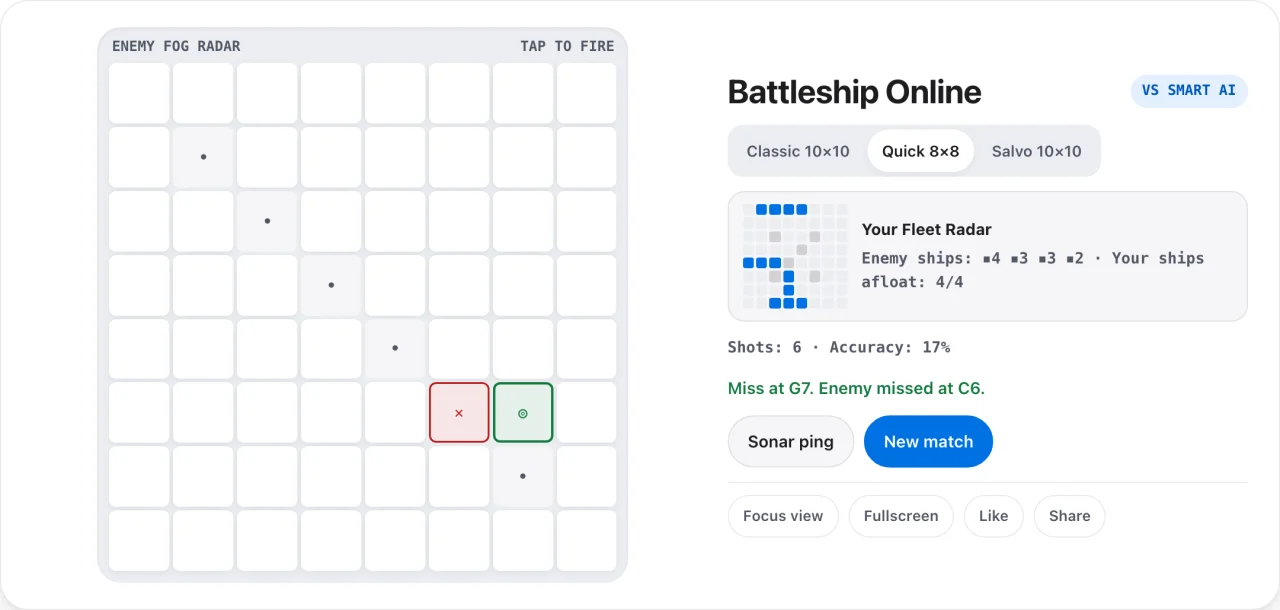
- 01Start firing immediately (or Shuffle fleet)
Your ships deploy automatically in a legal spread at load time. Tap Shuffle fleet before your first shot if you prefer a different defensive layout.
- 02Tap any fog square on Enemy Radar
Direct hits flare red; misses mark cleanly in pale blue so your checkerboard search grid stays visually crystal-clear.
- 03Track remaining hulls & use Sonar ping
Watch the live ship-length counter (`▪5 ▪4 ▪3 ▪3 ▪2`) to adapt your stride—or tap Sonar ping once if you want a probability-backed target suggestion.
- 04Sink every enemy vessel first to win
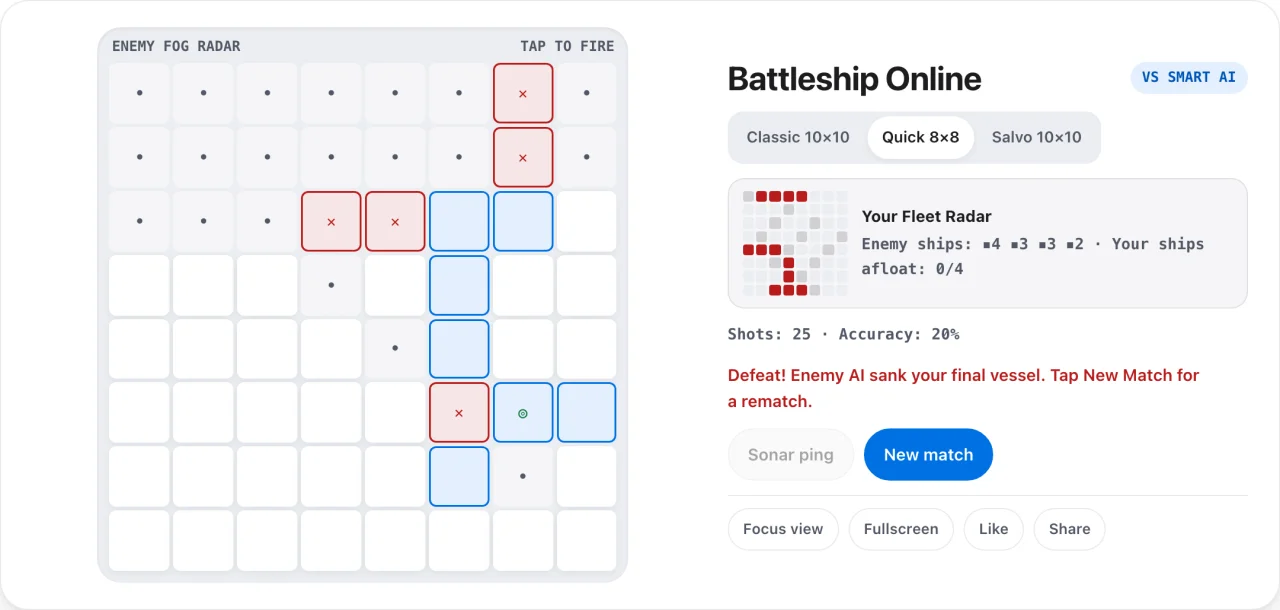
Once the final enemy ship goes under, your shot count, accuracy percentage, and spoiler-free Share result lock in automatically.
04 · Plate II · Victory Screen & Local Privacy
Built for Instant Mobile Commute Duels and Zero-Login Privacy
Traditional online Battleship sites make you wait for random matchmaking lobbies or drag five ships manually on a tiny phone screen. Fogboard puts the Enemy Fog Radar front and center above the mobile dock, tucks Your Fleet Radar neatly beside it, and lets you finish a crisp Quick 8×8 or Salvo duel in two minutes flat.
The Hunt-and-Target probability AI runs 100% inside your browser—zero network lag between shots, zero user accounts, and complete offline resilience after initial load.
05 · Boundaries & Precision Specifications
Battleship Online Mode Specifications and Comparison
Expand the reference drawer below for exact fleet compositions, Salvo rules, and a side-by-side comparison of our three naval modes.
Fair, Non-Cheating AI
The AI never peeks at your hidden board—it fires strictly from open-water placement probabilities and confirmed hits.
Zero Setup Friction
Pre-deployed legal fleet with one-tap Shuffle lets you fire your first shot within two seconds of opening the page.
100% Local & Free
Unlimited Classic 10×10, Quick 8×8, and Salvo matches run locally with zero login, zero bots lobby wait, and 0 uploads.
Battleship Online Mode Specifications
| Mode | Grid | Fleet Composition | Total Hull Cells | Shots Per Turn | Typical Length |
|---|---|---|---|---|---|
| Classic 10×10 | 10×10 | 5, 4, 3, 3, 2 (5 ships) | 17 | 1 shot / turn | 3–5 min |
| Quick 8×8 | 8×8 | 4, 3, 3, 2 (4 ships) | 12 | 1 shot / turn | 1.5–2.5 min |
| Salvo 10×10 | 10×10 | 5, 4, 3, 3, 2 (5 ships) | 17 | 1 per ship afloat | 2–3 min |
Fogboard Battleship vs. Lobby Multiplayer & Classic Board Game
| Dimension | Fogboard Battleship Online | Online Matchmaking Lobbies | Tabletop Plastic Set |
|---|---|---|---|
| Start Speed | Instant (pre-deployed + Shuffle) | Queue wait + manual drag | Manual peg setup |
| Opponent Quality | Probability-heatmap Hunt/Target AI | Often AFK disconnects | Human opponent needed |
| Salvo Volley Mode | Built-in one-tap switch | Rarely included | Optional house rule |
| Privacy & Account | Zero login, 100% local | Account / ads required | Offline physical |
06 · Frequently Asked Questions
Frequently Asked Questions About Battleship Online
Does the Fogboard Battleship AI cheat by looking at my ships?
Never. Our AI uses an honest two-phase Hunt-and-Target algorithm: it counts legal ship orientations across unseen tiles during Hunt mode, and locks onto orthogonal neighbors only after scoring a genuine hit.
How does Salvo mode work in Battleship?
In Salvo 10×10, each side fires one shot per surviving ship on every turn (starting at 5 shots per volley). Every enemy vessel you sink immediately reduces the AI’s volley size on all remaining turns.
Can I rearrange my ships before firing?
Yes. Tap Shuffle fleet as many times as you like before your first shot to deal a fresh balanced formation across Your Fleet Radar.
What does the Sonar ping button do?
Sonar ping highlights a high-value enemy radar square as a tactical hint whenever you want a probability nudge without revealing the entire fleet.
Why is checkerboard firing the strongest Battleship search pattern?
Because the shortest vessel occupies two adjacent cells, every ship must cover at least one square on a two-step diagonal lattice—letting you guarantee finding all ships in half as many hunt shots.
What is the difference between Classic 10×10 and Quick 8×8?
Classic 10×10 uses the full five-ship fleet (lengths 5, 4, 3, 3, 2) on 100 squares. Quick 8×8 trims the theater to 64 squares and four ships (4, 3, 3, 2) for a faster two-minute phone duel.
Does Battleship Online work smoothly on mobile without login?
Yes. Both radars fit cleanly above the floating dock with zero zoom, zero sign-up, and zero ads.
Is any gameplay data uploaded to a server?
No. Fleet placement, AI probability maps, and daily win indicators run 100% locally inside your browser with zero uploads.
07 · Editorial Index
More Pure-Deduction Logic Puzzles on Fogboard
- No Guess MinesweeperSolver-verified zero-50/50 minefield deduction with one-tap chording.
- Flag HuntHidden-vault deduction: read one coordinate clue and dodge a moving patrol in 3 moves.
- Stratego Alternative GuideCompare two-player hidden-rank Stratego with solo 3-move Flag Hunt.
- MastermindCrack hidden color sequences using exact black and white feedback pins.
- Zip GameDraw one unbroken 1 → N line covering 100% of squares around coral walls.
- All 10 Daily Logic GamesCompare all ten Fogboard games and track your midnight UTC progress.
Discuss Battleship Online
Share your lowest shot count or best Salvo win against the radar AI.